此風格的呈現效果
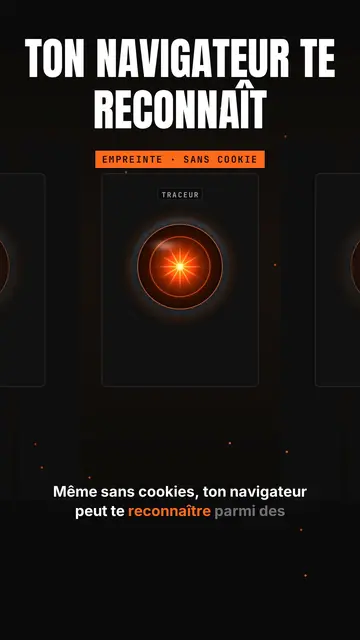
Glowing eye sets a shining orange lens-eye in the middle of a black background, like a spaceship's onboard computer watching. Above it, a giant title in white condensed capitals, with an orange line below, and a framed orange mono label (“FINGERPRINT · NO COOKIE”). A small tab at the top left and a name above the eye give the feel of a console. Captions run word by word.
The camera dives into the pupil to enter the topic, a beam goes from the eye to a card, and a full-screen orange flash marks the shock fact with a dark mono banner. A row view shows a corridor of eyes in perspective, like a room full of consoles. Cards show scores out of 100, ASCII bars, a terminal, a list or a time counter. The end types the word to comment into a field.
適合的主題
Avoid: warm, human or childish topics: the eye sets a cold, technical tone. Also avoid topics that need places or characters; everything happens in a console.
- Online privacyThe watching eye makes being tracked tangible, without a distressing image.
- AI tools and agentsThe console and the scores out of 100 give the feel of an audit run by a machine.
- Tool audits and testsASCII bars and the terminal show a measured result, not an impression.
- Shocking tech factsThe full-screen orange flash stops the scroll on the number that matters.
此風格的影片創意
- Your browser recognises you without cookies
The “Tracker” eye, the zoom into the pupil and the orange flash on the EFF study's 83.6% unique browsers.
- I audited my website with an AI
The “/audit” console, scores out of 100 and ASCII bars per criterion.
- What your phone really listens to
The corridor of eyes, the permissions terminal and the time counter.
- The AI agent that codes for you
The beam to the terminal, the task list and the final score.
只需 1 次點擊即可取得
- 開啟此風格的連結
點擊「以此風格建立影片」按鈕,即可開啟編輯器並預先選好此風格。沒有帳號的話,註冊只需一分鐘,也不需信用卡。
- 用一句話寫下你的主題
一個想法就夠了。你也可以貼上文字,或在 Starter 方案中對麥克風講述:影片會以你的聲音為基礎來製作。
- 檢視,然後渲染
AI 撰寫場景,依照文字時間點安排風格元素,並加入語音與字幕。你可以修改不妥之處,幾分鐘後即可取得直式 MP4。
你可以調整的項目
For each scene you pick the shot (eye, zoom, rows, flash or end), the giant title and its orange line, the framed label, the console's tab and name, the flash word and its banner, the beam, and one card on the word: score, bars, terminal, list, counter or number.
常見問題
免費與否、輸出格式、用途:簡短解答。
Is the eye a reference to a film?
It is a lens-eye drawn by the ClipOnIt engine, in the spirit of sci-fi onboard computers, without copying any existing character.
可以用我自己的聲音嗎?
Yes. Record yourself or import your audio: the zoom, the flash and the cards lock onto your words.
How is it different from Tech list?
Tech list presents a numbered list on a black card with a glowing badge. Glowing eye stages a watching console, with a zoom into the pupil, a flash and scores.
此風格有免費方案嗎?
不是,它包含在 Starter($29/月)中:每月 15 支無浮水印影片,全部 81 種風格,外加你自己的風格。免費方案每月提供 3 支附浮水印的影片,另有 8 種風格:Pixel News、Press paper、Comedy cartoon、Class sketch、Night tale、Social screen、Retro synthwave 和 Flat vector。
如果你喜歡這種風格
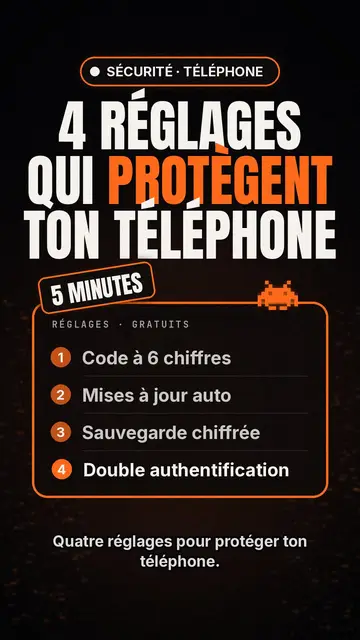
科技排行榜影片製作器
科技清單風格 · 黑底科技卡片、發光標籤、編號清單。
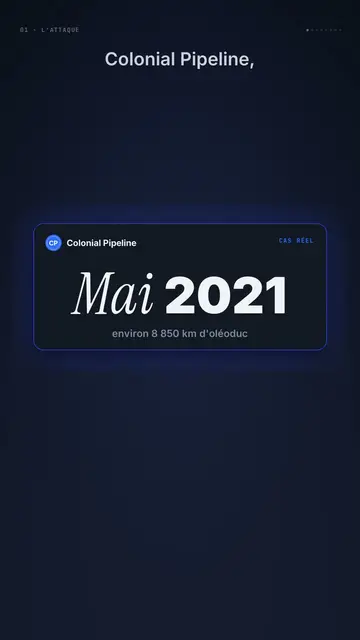
Dark UI tech explainer video
Night interface style · Dark glass cards on midnight blue, narration coming out of blur, blue, cream and black switches.
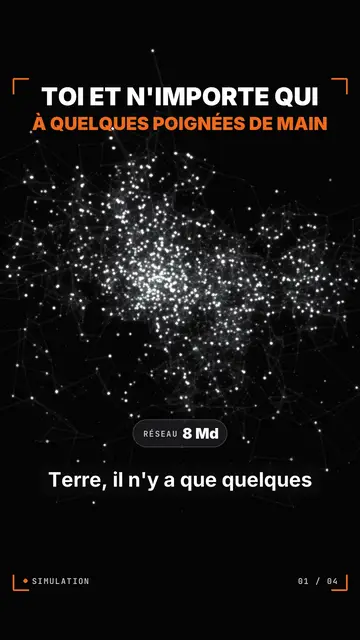
Particle network data video
Particle swarm style · Thousands of glowing dots on black that change colour by camps or by contagion.