此風格的呈現效果
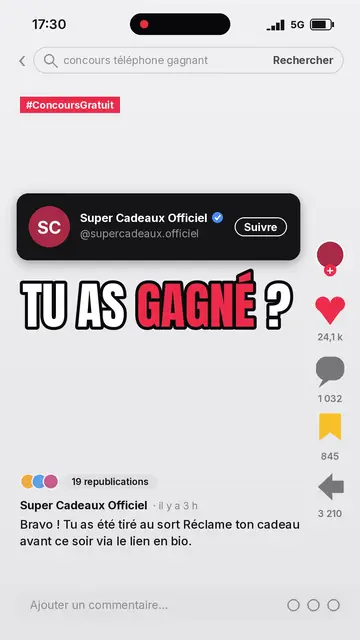
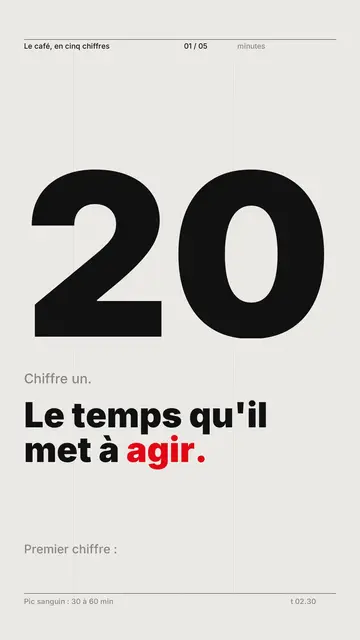
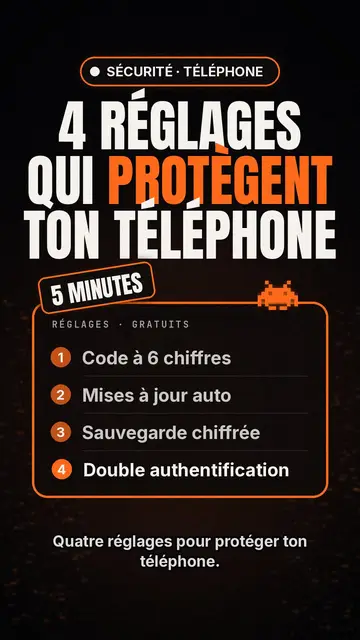
Clean interface tells a story as if it were happening inside a computer. On off-white paper with a fine dot grid, operating-system style interface cards appear one by one: an email window with its recipient, an identity badge with its status dot, a big green button, a toggle switch, a dark monitor whose number drops, person icons that light up when their name is spoken. Each card enters exactly on the word that names it, with a small bounce.
A named cursor slides toward the button and clicks on the exact word, which builds suspense. Under the illustration, the caption turns from grey to black as the voice moves on, and the key word is set in blue italic serif. Tilted stamps (“DENIED”, “IGNORED”) hit the screen, keywords sometimes fill the whole frame, and a pause on a charcoal background marks the twist before the end card, which gets clicked too.
適合的主題
Avoid: very visual topics carried by landscapes, crowds or action scenes: the style shows screens, buttons and icons, not settings. Also avoid long lists of numbers without a story; a card should always say what is happening.
- AI and techA chatbot, a server or an app becomes a badge with its status: the story reads in its native language, the interface.
- True digital storiesFamous bugs, leaks, scams: emails, clicks and counters show what happened, step by step.
- Product demos and adsThe clicking cursor and the end card with its button make a clean demo, without a screen recording.
- Faceless channelsLight background, crisp type and recognisable cards give a series an identity without a face on screen.
此風格的影片創意
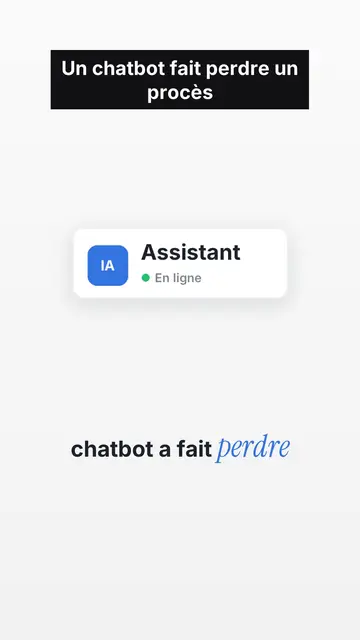
- The chatbot that lost a lawsuit
The chat window, the reply turning black word by word, the DENIED stamp, then the verdict on black.
- $440M lost in 45 minutes
Eight servers in a grid, a switch that turns itself back on, a counter that runs wild.
- How a fake bank advisor scam works
The text message, the link, the “Confirm” button the cursor avoids, and the habit to keep.
- Your app explained in 40 seconds
The problem as a red badge, your feature as a window, the click that fixes it and the end card.
只需 1 次點擊即可取得
- 開啟此風格的連結
點擊「以此風格建立影片」按鈕,即可開啟編輯器並預先選好此風格。沒有帳號的話,註冊只需一分鐘,也不需信用卡。
- 用一句話寫下你的主題
一個想法就夠了。你也可以貼上文字,或在 Starter 方案中對麥克風講述:影片會以你的聲音為基礎來製作。
- 檢視,然後渲染
AI 撰寫場景,依照文字時間點安排風格元素,並加入語音與字幕。你可以修改不妥之處,幾分鐘後即可取得直式 MP4。
你可以調整的項目
For each scene you pick one to three cards out of fifteen (window, badge, button, toggle, monitor, list, grid, gauge, number, calendar, clock, arrow, people, quote or a library element), the word where each one appears and the one where the cursor clicks. You add a stamp, an alert pill or a “danger” background, and change the accent colour to match your brand. Your own voice works too: everything locks onto the spoken words.
以此風格繪製
其素材庫中有 9 517 個元素,可依語意搜尋。以下是其中幾個:
 角色
 裝置
 文件與地點
 資料
 場景
 介面
 科學
 動作
常見問題
免費與否、輸出格式、用途:簡短解答。
What is UI motion design?
An animation that tells a story with interface elements: windows, buttons, cursors, notifications. Here the engine draws them and animates them to the voice, without screen recordings.
可以用我自己的聲音嗎?
Yes. Record yourself or import your audio: every card, every click and every caption word locks onto what you say.
Is there a version with my face?
The style is faceless. For a talking-head video in the same format (illustrations on top, you below), contact us: it is an editing recipe from our studio.
此風格有免費方案嗎?
不是,它包含在 Starter($29/月)中:每月 15 支無浮水印影片,全部 26 種風格,外加你自己的風格。免費方案每月提供 3 支附浮水印的影片,另有 8 種風格:Pixel News、Press paper、Comedy cartoon、Class sketch、Night tale、Social screen、Retro synthwave 和 Flat vector。