此風格的呈現效果
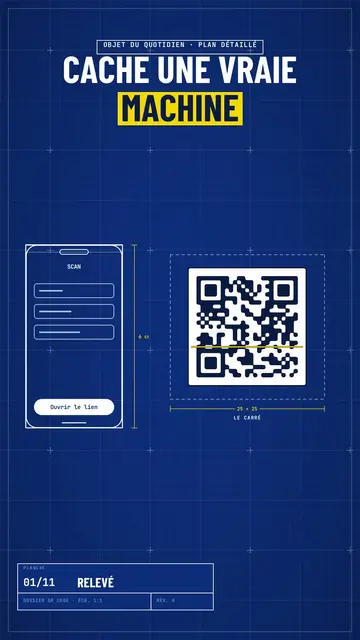
Blue blueprint draws your topic on a gridded blue sheet, like a real technical plan. The title is in white condensed capitals, with the key word on a yellow band, and a numbered title block in the corner moves forward with each scene, like the sheets of a file. Objects are traced in white line in real time: a phone wireframe, a diagram, a table, a circle of icons around a big number.
Dimensions get drawn between the pieces (“6 cm”, “25 × 25”) and captions name them. Taped screenshots, lists being ticked, a yellow sticky note, a dark terminal and a score complete the sheet. A red handwritten note circles or comments on the important detail, like an architect correcting in marker. The end shows a profile with a “Subscribe” button being clicked.
適合的主題
Avoid: emotional topics, stories with characters or topics without structure: the plan wants pieces, dimensions and steps. Also avoid overloading a sheet; three pieces per scene stay readable.
- How everyday objects workThe dimensioned plan shows the inside of a QR code, a bank card or a screen.
- App and AI tutorialsThe line-drawn phone wireframe shows the screen without a branded screenshot.
- Technical architecturesDiagrams drawing themselves make an architecture readable step by step.
- Methods and action plansThe numbered title block and the ticked list give the feel of a well-run file.
此風格的影片創意
- How a QR code works
The phone scanning, the square dimensioned 25 × 25, the diagram of zones and the big error correction number.
- An app's architecture in 4 blocks
The diagram drawing itself, the dimensioned arrows and the title block moving forward.
- What's inside your bank card
The card's plan, the dimensioned chip, the red note and the ticked list.
- Launch a website in a weekend
The wireframe, the taped screenshots, the yellow sticky note and the final score.
只需 1 次點擊即可取得
- 開啟此風格的連結
點擊「以此風格建立影片」按鈕,即可開啟編輯器並預先選好此風格。沒有帳號的話,註冊只需一分鐘,也不需信用卡。
- 用一句話寫下你的主題
一個想法就夠了。你也可以貼上文字,或在 Starter 方案中對麥克風講述:影片會以你的聲音為基礎來製作。
- 檢視,然後渲染
AI 撰寫場景,依照文字時間點安排風格元素,並加入語音與字幕。你可以修改不妥之處,幾分鐘後即可取得直式 MP4。
你可以調整的項目
For each scene you pick one to three pieces on the word (phone, screenshot, table, diagram, circle, list, sticky note, terminal, score or element) with their dimensions and captions, the sheet name in the title block, the label above the title, a note under the pieces and a red annotation.
常見問題
免費與否、輸出格式、用途:簡短解答。
Are the dimensions to scale?
Dimensions show the text you write, like on an architect's sketch. The drawing stays readable; it is not calculated to real scale.
可以用我自己的聲音嗎?
Yes. Record yourself or import your audio: lines, dimensions and notes draw themselves on your words.
它與 Class sketch 有何不同?
Class sketch draws in black line on white, freehand, like a notebook. Blue blueprint traces dimensioned pieces on a gridded blue sheet, with a title block.
此風格有免費方案嗎?
不是,它包含在 Starter($29/月)中:每月 15 支無浮水印影片,全部 81 種風格,外加你自己的風格。免費方案每月提供 3 支附浮水印的影片,另有 8 種風格:Pixel News、Press paper、Comedy cartoon、Class sketch、Night tale、Social screen、Retro synthwave 和 Flat vector。
如果你喜歡這種風格
- 免費
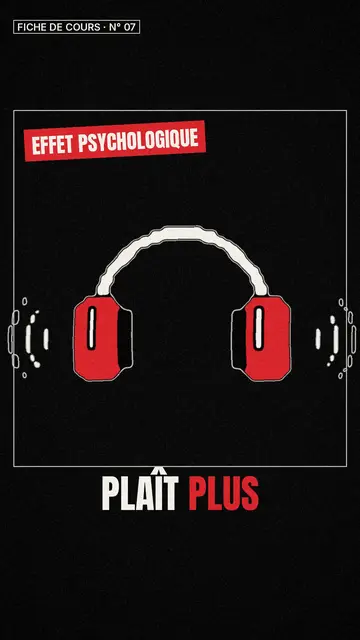
白板素描影片製作
課堂素描風格 · 生動的黑白素描,搭配紅色點綴。
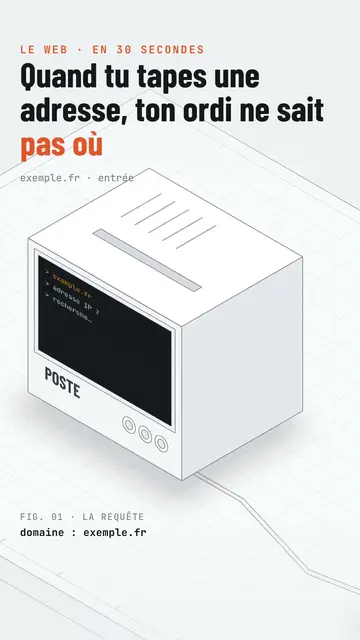
Isometric tech video
Isometric technical board style · A white installation with fine edges seen in one continuous pan, screens lighting up on the word.
Step-by-step method video
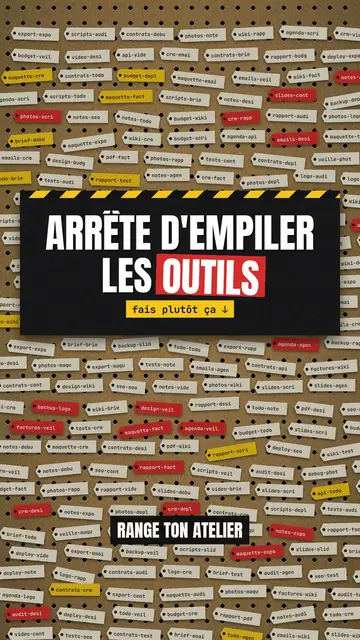
Pegboard workshop style · Everything hangs on a cardboard pegboard: falling labels, gauges, caution tape.