像素風解說影片製作工具 — Pixel News 風格
製作像素風解說影片:新聞、時間軸與真實故事,灰紅色場景,畫面上有日期,附配音與字幕。免費風格,1 次點擊即可完成。
In the free plan: 3 videos a month with a watermark · preview rendered by the ClipOnIt engine
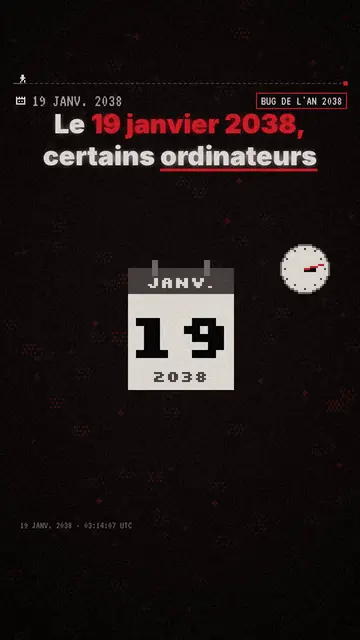
此風格的呈現效果
Pixel News draws every scene in grey pixel art, with red as the only accent: a character, a building, a banknote or an alarm stands out in red while the rest fades back. At the top, captions run word by word, the spoken word underlined in red and the next one ghosted. An info bar shows the date of the story being told, which gives the video the look of a retro TV news bulletin.
Between scenes, the picture breaks into a mosaic, and a light CRT effect holds it all together. Red stamps hit the screen on key facts (“CONFIRMED”, “1938”, “CLASSIFIED”). It is the engine's base style: its library is the largest, so the AI nearly always finds an element that matches what the voice says, from a satellite to a hamster.
適合的主題
Avoid: topics that live on colour (food, fashion, interior design) or a very colourful brand: the grey-and-red palette flattens them. For a light topic meant to be funny, a cartoon style works better.
- NewsThe date on screen and the red stamp set a news frame straight away, even in a vertical feed.
- TimelinesThe bar changes year with each scene: viewers follow a case, an invention or a war step by step.
- True storiesGrey keeps the tone sober and red points at the key piece of evidence, without shocking images.
- Faceless channelsThe look is recognisable from one video to the next, which helps a series exist without a face.
此風格的影片創意
- The year 2038 bug
A computer clock, a counter that overflows, a “19 JANUARY 2038” stamp: a technical topic told like an alert.
- The timeline of a case
Each scene is a date on the bar, from the first clue to the verdict, with the suspect in red.
- A shock figure explained
The figure lands as a stamp, then three scenes show where it comes from and what it hides.
- The first program that talked
An old terminal, a researcher, a conversation on screen: the story of an invention in a minute.
只需 1 次點擊即可取得
- 開啟此風格的連結
點擊「以此風格建立影片」按鈕,即可開啟編輯器並預先選好此風格。沒有帳號的話,註冊只需一分鐘,也不需信用卡。
- 用一句話寫下你的主題
一個想法就夠了。你也可以貼上文字,或在 Starter 方案中對麥克風講述:影片會以你的聲音為基礎來製作。
- 檢視,然後渲染
AI 撰寫場景,依照文字時間點安排風格元素,並加入語音與字幕。你可以修改不妥之處,幾分鐘後即可取得直式 MP4。
你可以調整的項目
You can change the date and credit on the bar, the word hit by the stamp, each scene's length and the narration line. Click an element to move it or swap it for another from the library, or ask for three variants of a scene. Captions and voice follow your text; from Starter, you can record your own voice and make fixes by talking to the AI Director.
Drawn in this style
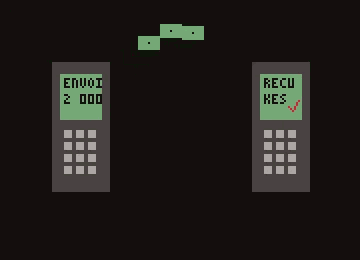
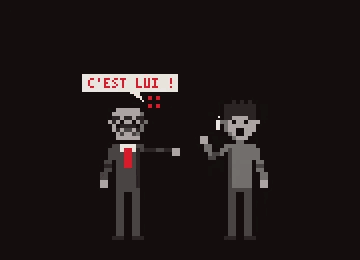
9 518 elements in its library, searchable by meaning. A few of them:
 角色
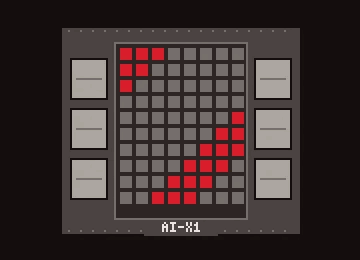 裝置
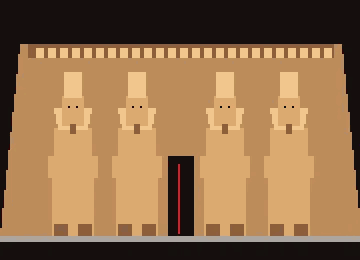 文件與地點
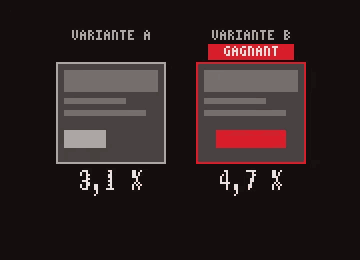 資料
 介面
 動作
Frequently asked questions
免費與否、輸出格式、用途:簡短解答。
What is a pixel art explainer video?
A short video where each idea is illustrated with chunky-pixel drawings, like 90s video games, over a voice-over. In Pixel News, AI picks the drawings, animates them on the words and adds the captions.
Do I need to know pixel art?
No. The elements are already drawn in the style and filed by theme; AI finds them by meaning from your narration. If an element is missing, the editor can draw it from your description.
What format is the video?
A vertical 1080×1920 MP4 with voice and captions built in, ready for TikTok, Reels and Shorts.
此風格有免費方案嗎?
Yes. It is one of the 8 styles in the free plan: 3 videos a month with the ClipOnIt watermark, no credit card. Starter ($29/month) removes the watermark, gives 15 videos a month and opens all 24 styles, plus your own.
如果你喜歡這種風格
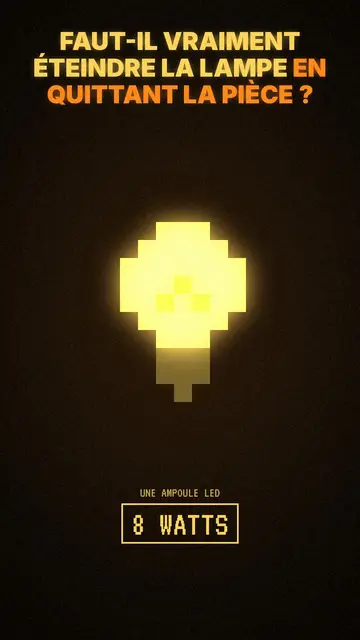
Moody pixel art story video
Mood pixel style · Warm, dark pixel art with radiant yellow light.
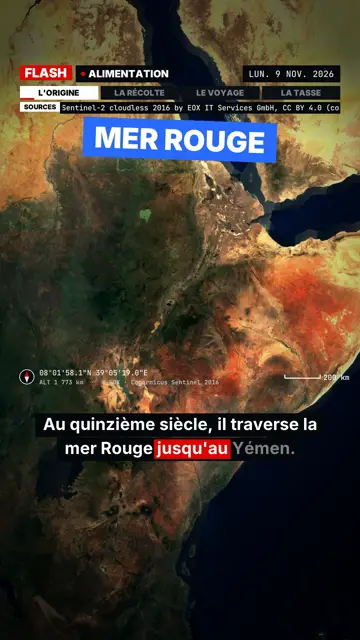
Breaking news explainer video
Flash brief style · News without a dull second: slammed captions, word-tracking box, satellite map and black panels.
- 免費
Paper cutout news video
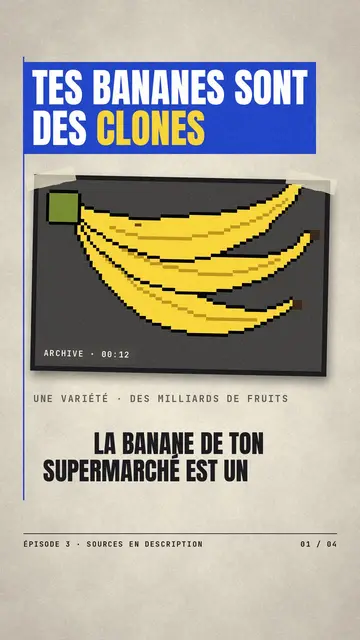
Press paper style · Cream editorial paper, blue and red banners, stamp.