此風格的呈現效果
Amber film strip plunges your video into a warm black background, lit by an amber beam like in a projection room. A perforated film strip rolls by and carries the steps of the story in its frames: dates, versions, codes, a commit history. To move on, a glowing burnt hole pierces the image, grows and reveals the next scene, like film heating up in the projector.
At the top, a single word at a time shows along with the voice, in white sans-serif or in amber italic serif for the strong word. A small amber mono label at the very top gives the subject. In the centre, other blocks can take the strip's place: a rolling counter, brown cartridges with their lines, reels, a label, a memory card. A mono terminal can type its lines at the bottom, and the end shows “Comment”.
適合的主題
Avoid: topics with no sense of time or steps: the strip needs a sequence to roll through. Also avoid very colourful or cheerful topics; the style stays dark, warm and slightly nostalgic.
- Timelines of objects and inventionsEach film frame is a date: viewers see the object change from era to era.
- Version and code historyThe commit history in the strip and the terminal at the bottom speak to developers.
- Film and retro cultureThe projection room and the reels set a mood straight away.
- The “before / after” of a technologyThe burnt hole revealing the next scene marks the move from one era to the next.
此風格的影片創意
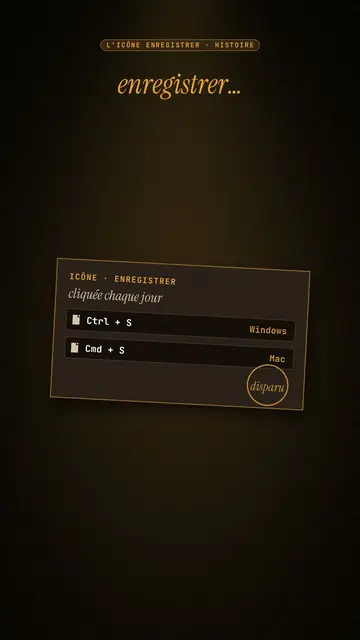
- The Save icon is a vanished floppy disk
The “Ctrl + S” cartridge, the strip with 1971, 1976, 1981, the counter up to 1.44 MB and the end of production in 2011.
- Git explained in 30 seconds
The commit history in the strip, the typing terminal and a burnt hole at each branch.
- The story of the first colour film
The reels, the dates in frames and the word “colour” in amber serif.
- How your phone replaced ten objects
The strip of objects, the rolling counter and the memory card at the end.
只需 1 次點擊即可取得
- 開啟此風格的連結
點擊「以此風格建立影片」按鈕,即可開啟編輯器並預先選好此風格。沒有帳號的話,註冊只需一分鐘,也不需信用卡。
- 用一句話寫下你的主題
一個想法就夠了。你也可以貼上文字,或在 Starter 方案中對麥克風講述:影片會以你的聲音為基礎來製作。
- 檢視,然後渲染
AI 撰寫場景,依照文字時間點安排風格元素,並加入語音與字幕。你可以修改不妥之處,幾分鐘後即可取得直式 MP4。
你可以調整的項目
For each scene you pick the top label, the central block that appears on the word (film strip, counter, cartridge, reels, label or comment card), a terminal at the bottom with its lines, an italic serif line under the block, and an opening through a burnt hole.
常見問題
免費與否、輸出格式、用途:簡短解答。
How many steps fit on the strip?
Each frame carries a short step: a date, a version, a name. Three to six frames per scene stay readable on a phone.
可以用我自己的聲音嗎?
Yes. Record yourself or import your audio: the top word, the strip and the burns follow what you say.
How is it different from Dark archive collage?
Dark archive collage layers front pages and archive photos. Amber film strip rolls a film band carrying the steps, with a single word on screen.
此風格有免費方案嗎?
不是,它包含在 Starter($29/月)中:每月 15 支無浮水印影片,全部 81 種風格,外加你自己的風格。免費方案每月提供 3 支附浮水印的影片,另有 8 種風格:Pixel News、Press paper、Comedy cartoon、Class sketch、Night tale、Social screen、Retro synthwave 和 Flat vector。
如果你喜歡這種風格
Archive documentary video
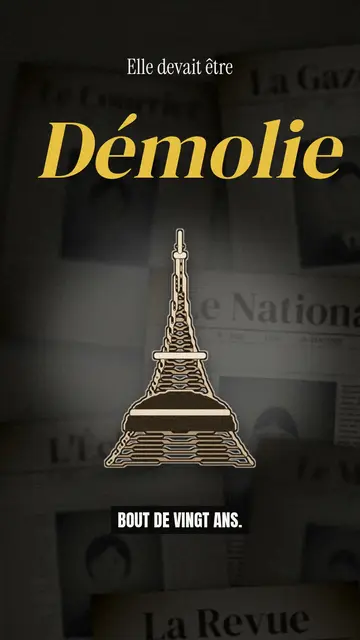
Dark archive collage style · Old sepia front pages, cut-out photos and postcards sliding in layers on a dark backdrop.
Finance explainer video
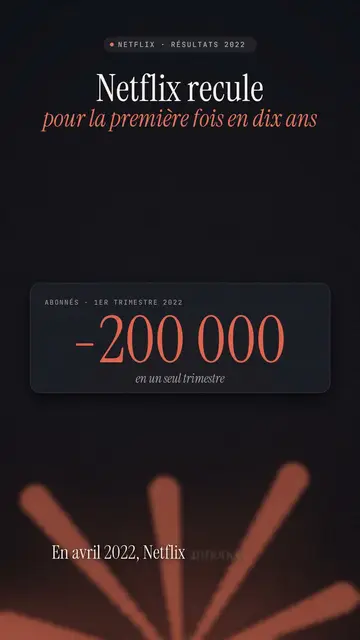
Night report style · A financial investigation on a warm dark background, amber glow or coral asterisk, white serif title.
情緒像素風故事影片
情緒像素風格 · 溫暖、深色的像素美術,搭配閃亮的黃色光線。