線框動畫影片 — Wireframe 風格
製作線框動畫影片:霓虹綠 3D 物件位於網格地面上,搭配移動鏡頭,適合工程、機械與數量級主題,並附語音。
Included from Starter, with all 24 styles plus your own · preview rendered by the ClipOnIt engine
此風格的呈現效果
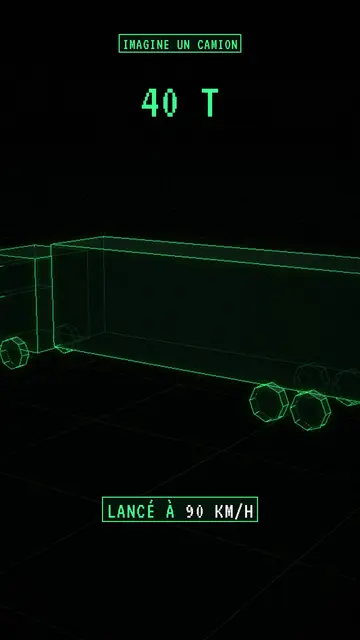
Wireframe shows real 3D objects stripped down to their structure: mesh edges glow neon green, hidden edges stay visible through transparency and faces are almost black. Objects sit on a grid floor that fades into the distance, and a glowing halo surrounds the lines, like a radar screen or old design software.
The camera moves the way it does in the Archibald style, whose 3D objects it reuses: it circles an engine, dives towards a city or pulls back to show scale. Text stays in the same register: a framed green label at the top, a label at the bottom with the key word in white, and a large green monospace figure when the scene comes down to a number.
適合的主題
Avoid: human and emotional topics (psychology, family, health): wireframe characters feel cold. Topics that depend on colours or materials don't work well either, since everything is green on black. Also note that highlighting an object fills its faces with green instead of making its edges glow.
- How a machine worksVisible edges let viewers see inside an engine, a rocket or a computer without cutting it open.
- Orders of magnitudeThe grid floor acts as a ruler: a tower, a plane and a stadium compare on the same grid.
- Thought experimentsThe blueprint look suits “imagine a…” scenarios, where you build an ideal object rather than a photo.
- Tech and the futureNeon green on black evokes control screens, engineering and science fiction.
此風格的影片創意
- How a jet engine works
The camera circles the engine, parts light up one by one, from the air intake to the nozzle.
- If the Earth were a marble
Everything is rescaled on the grid floor, and the big green figure gives the real distance.
- The real size of the biggest ships
A container ship next to a tower, then a stadium, on the same grid.
- What is inside your phone
The case turns see-through and the camera dives towards the battery, the chip and the antenna.
只需 1 次點擊即可取得
- 開啟此風格的連結
點擊「以此風格建立影片」按鈕,即可開啟編輯器並預先選好此風格。沒有帳號的話,註冊只需一分鐘,也不需信用卡。
- 用一句話寫下你的主題
一個想法就夠了。你也可以貼上文字,或在 Starter 方案中對麥克風講述:影片會以你的聲音為基礎來製作。
- 檢視,然後渲染
AI 撰寫場景,依照文字時間點安排風格元素,並加入語音與字幕。你可以修改不妥之處,幾分鐘後即可取得直式 MP4。
你可以調整的項目
In each scene you set the top label, the bottom text and its word in white, and the big figure. The 3D objects come from the same library as Archibald: you can move them, swap them, change the camera move and, if needed, force the colour of a specific part. Ask for three variants of a scene, change its length or narration. From Starter, you use your own voice and make fixes by talking to the AI Director.
Drawn in this style
2 270 elements in its library, searchable by meaning. A few of them:
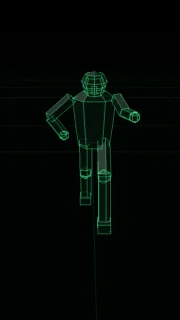 角色
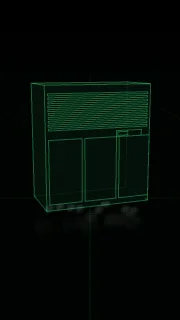 裝置
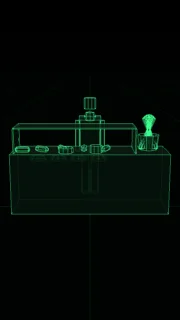 文件與地點
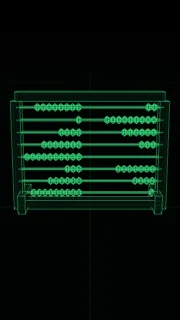 資料
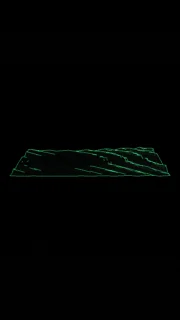 場景
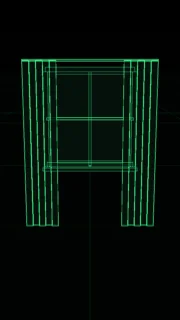 介面
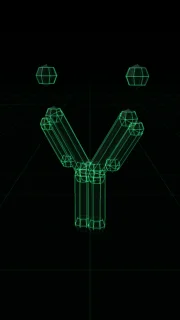 科學
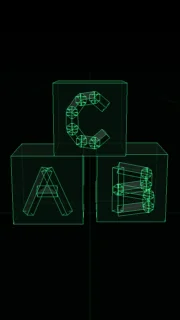 物件
Frequently asked questions
免費與否、輸出格式、用途:簡短解答。
What is a wireframe animation?
A 3D animation that shows only the edges of objects, like their skeleton, instead of solid surfaces. In this style the edges are neon green on black, and AI animates the objects and the camera to your narration.
Do I need 3D software?
No. The 3D objects are already in the library and AI picks them from the meaning of each line. You write the topic, the engine renders the video.
How is it different from Archibald?
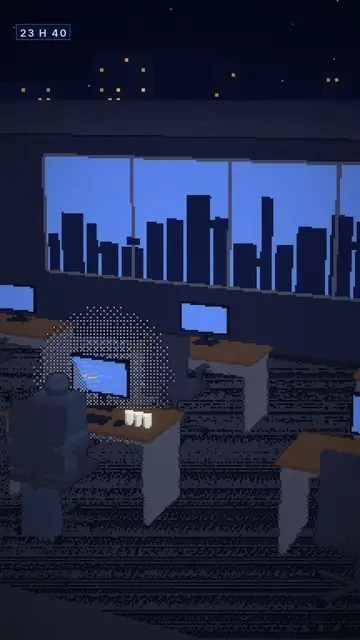
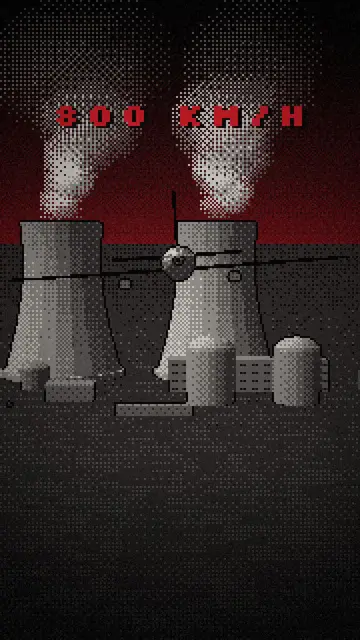
Same objects and same camera. Archibald renders them in dithered low-poly under a dark red sky, Wireframe as green edges on a grid floor, closer to a technical diagram.
此風格有免費方案嗎?
No, it comes with Starter ($29/month): 15 watermark-free videos a month, all 24 styles plus your own. The free plan gives 3 videos a month with a watermark in 8 other styles: Pixel News, Press paper, Comedy cartoon, Class sketch, Night tale, Social screen, Retro synthwave and Flat vector.