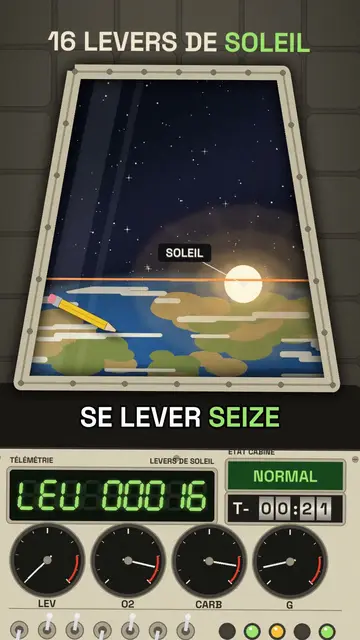
此風格的呈現效果
Capsule cockpit puts the camera inside a retro 1960s space capsule. In front of you, a cream panel covered with switches, lights and needle dials; in the centre, a large trapezoid porthole showing whatever the voice describes: the Earth, the Moon, a sunrise, a multi-stage rocket separating or parachutes opening.
The counter shows on a green 7-segment display with its code (“ALT 00408”), and a countdown can spin on mechanical rollers. Objects float weightless in the cabin, a warning light turns red when something is wrong, and a ray of sunlight sweeps across the panel as the capsule turns. The ending can pull back to show the capsule in orbit.
適合的主題
Avoid: topics unrelated to space, flight or engineering: the cockpit needs something to see through the porthole. Also avoid stories with several characters; you stay alone on board, facing the panel.
- Space and astronautsThe porthole shows the Earth and the Moon as if you were on board.
- Records and crazy numbersThe 7-segment display rolls big numbers with suspense.
- Physics made simpleWeightlessness and floating objects make the laws of motion visible.
- The history of the space raceThe 1960s look fits the missions that defined the era.
此風格的影片創意
- Your sunrises in orbit
Sixteen sunrises a day, the LEV display climbing to nearly 7,000 and the final wide shot.
- How long it takes to get to Mars
The porthole on a shrinking Earth and the countdown on rollers.
- Why you float on the ISS
Objects floating in the cabin and the orbital speed dial.
- Coming back to Earth in 10 minutes
The red light, the heat at the porthole, then the parachutes opening.
只需 1 次點擊即可取得
- 開啟此風格的連結
點擊「以此風格建立影片」按鈕,即可開啟編輯器並預先選好此風格。沒有帳號的話,註冊只需一分鐘,也不需信用卡。
- 用一句話寫下你的主題
一個想法就夠了。你也可以貼上文字,或在 Starter 方案中對麥克風講述:影片會以你的聲音為基礎來製作。
- 檢視,然後渲染
AI 撰寫場景,依照文字時間點安排風格元素,並加入語音與字幕。你可以修改不妥之處,幾分鐘後即可取得直式 MP4。
你可以調整的項目
For each scene you pick the porthole view (Earth, Moon, sun, rocket, parachutes…) and its target, the title, the display value with its code and label, the floating objects, the labels, the status light and the moment the chapter changes.
以此風格繪製
其素材庫中有 2 299 個元素,可依語意搜尋。以下是其中幾個:
 角色
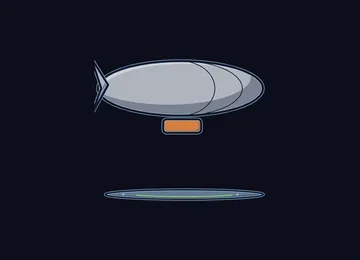 裝置
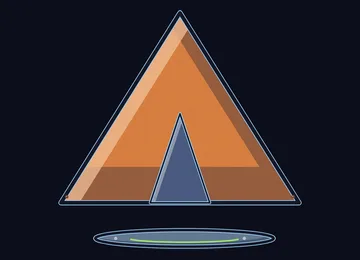 文件與地點
 資料
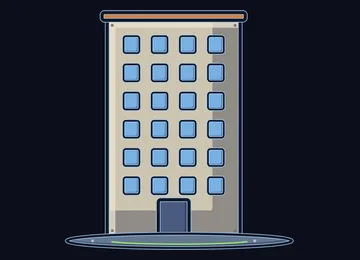 場景
 科學
 動作
 物件
常見問題
免費與否、輸出格式、用途:簡短解答。
Does the capsule copy a real mission?
No. The cockpit is drawn by the engine in the spirit of 1960s capsules, with no space agency logo or brand. You can tell a real mission or an imaginary scenario.
可以用我自己的聲音嗎?
Yes. Record yourself or import your audio: the display rolls and the porthole changes on your words, like an onboard radio message.
How is it different from Deep-sea sonar?
Deep-sea sonar goes down under the sea, on an amber screen revealing echoes. Capsule cockpit goes up into orbit, behind a cream dial panel, with a porthole on the Earth.
此風格有免費方案嗎?
不是,它包含在 Starter($29/月)中:每月 15 支無浮水印影片,全部 81 種風格,外加你自己的風格。免費方案每月提供 3 支附浮水印的影片,另有 8 種風格:Pixel News、Press paper、Comedy cartoon、Class sketch、Night tale、Social screen、Retro synthwave 和 Flat vector。
如果你喜歡這種風格
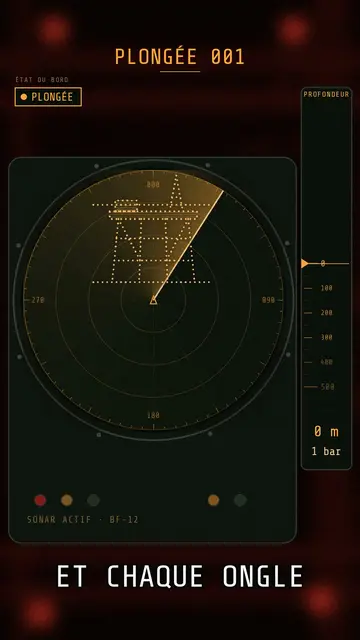
Submarine sonar video
Deep-sea sonar style · A submarine's sonar station: amber screen, dotted echoes, ring pings, a depth gauge going down.
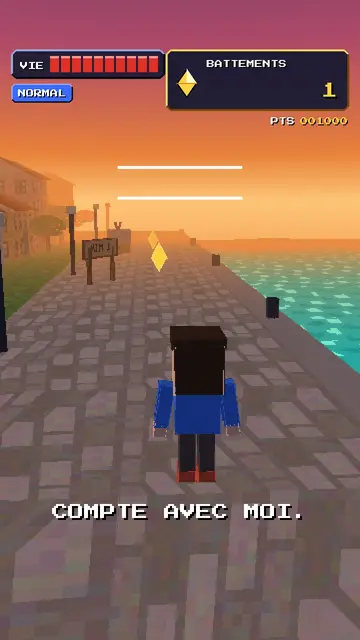
Retro PS1 game style video
32-bit polygons style · Your topic as a 32-bit console 3D game: a square-headed hero, wobbling textures, a rolling score.
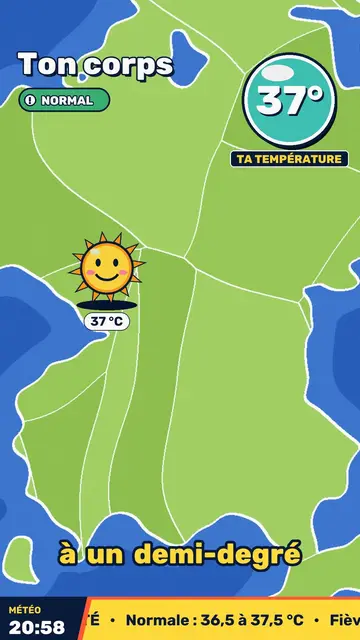
Retro TV weather video
Retro weather report style · Your topic presented like a 90s TV weather report: flat-colour map, hijacked icons, a temperature badge.